Why DynamicQuant?
Professional trading strategy indicator for TradingView.
Key Strengths
What makes DynamicQuant different
Real-time Exits
Monitors price tick-by-tick for precise exit timing.
Detailed Visualization
Displays real-time PnL, entry prices, and targets directly on chart.
Backtest Performance Table
Provides detailed statistics including win rate, profit factor, and max drawdown.
Flexible Settings
Fine-tune your strategy with 30+ configurable parameters.
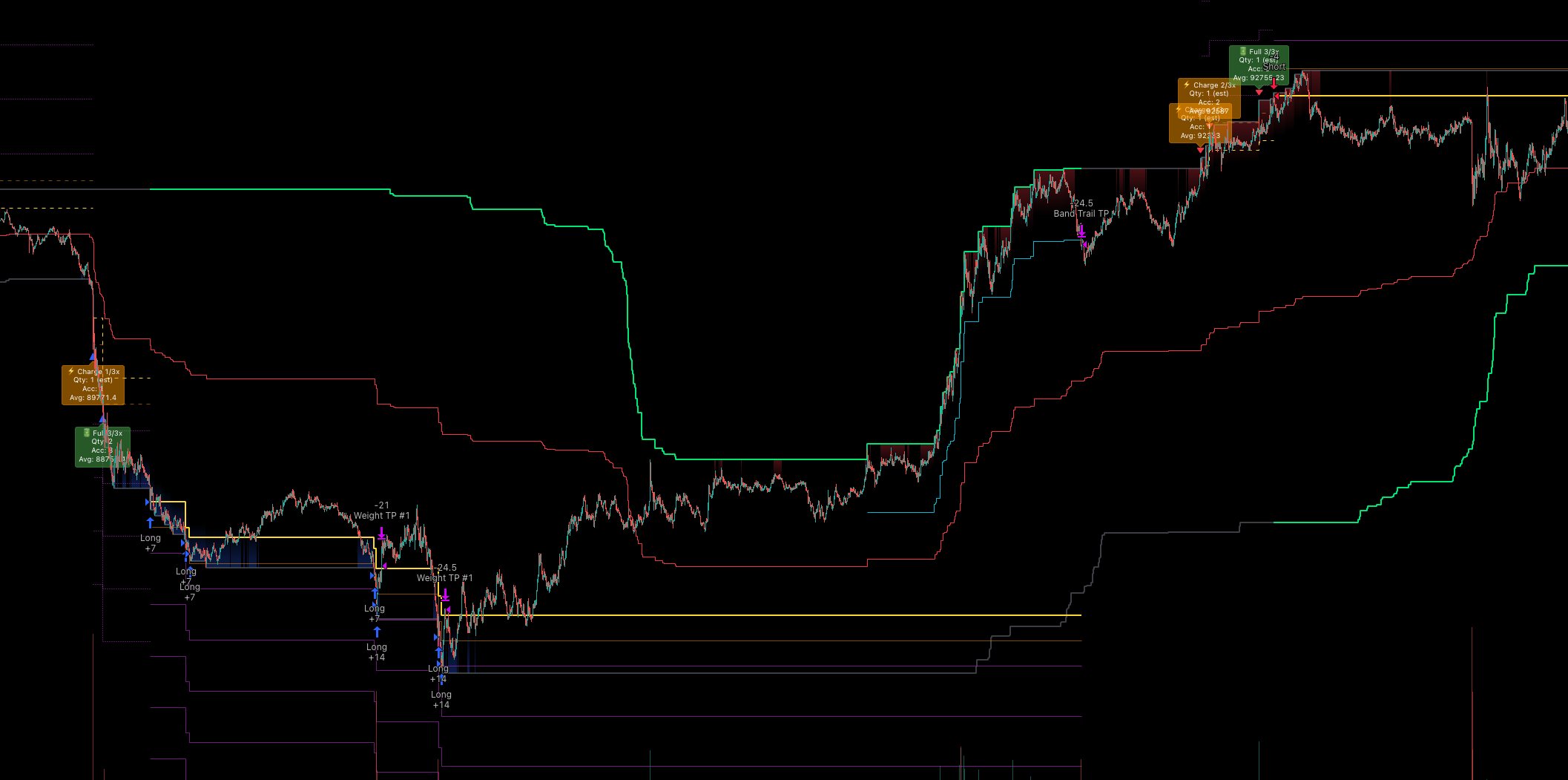
See It in Action
Watch how DynamicQuant indicator works in TradingView
Band Mode Long/Short Position Entry & Exit Example
Entry System
Precise timing with sophisticated entry conditions
Channel Breakout
Generates entry signals on volatility channel upper/lower breakouts. Captures clear trend starts.
Smart Entry Control
Prevents overtrading with entry restriction zones and minimum bar intervals.
Multi-Layer Filtering
ProRefines signals with volume, momentum, and volatility triple filters. Effectively filters false signals.
Charge Mode
ProPrevents hasty entries and enters at optimal prices in one go. Expect better performance.
Pyramiding
Gradually add positions when entry conditions are met to expand profit opportunities
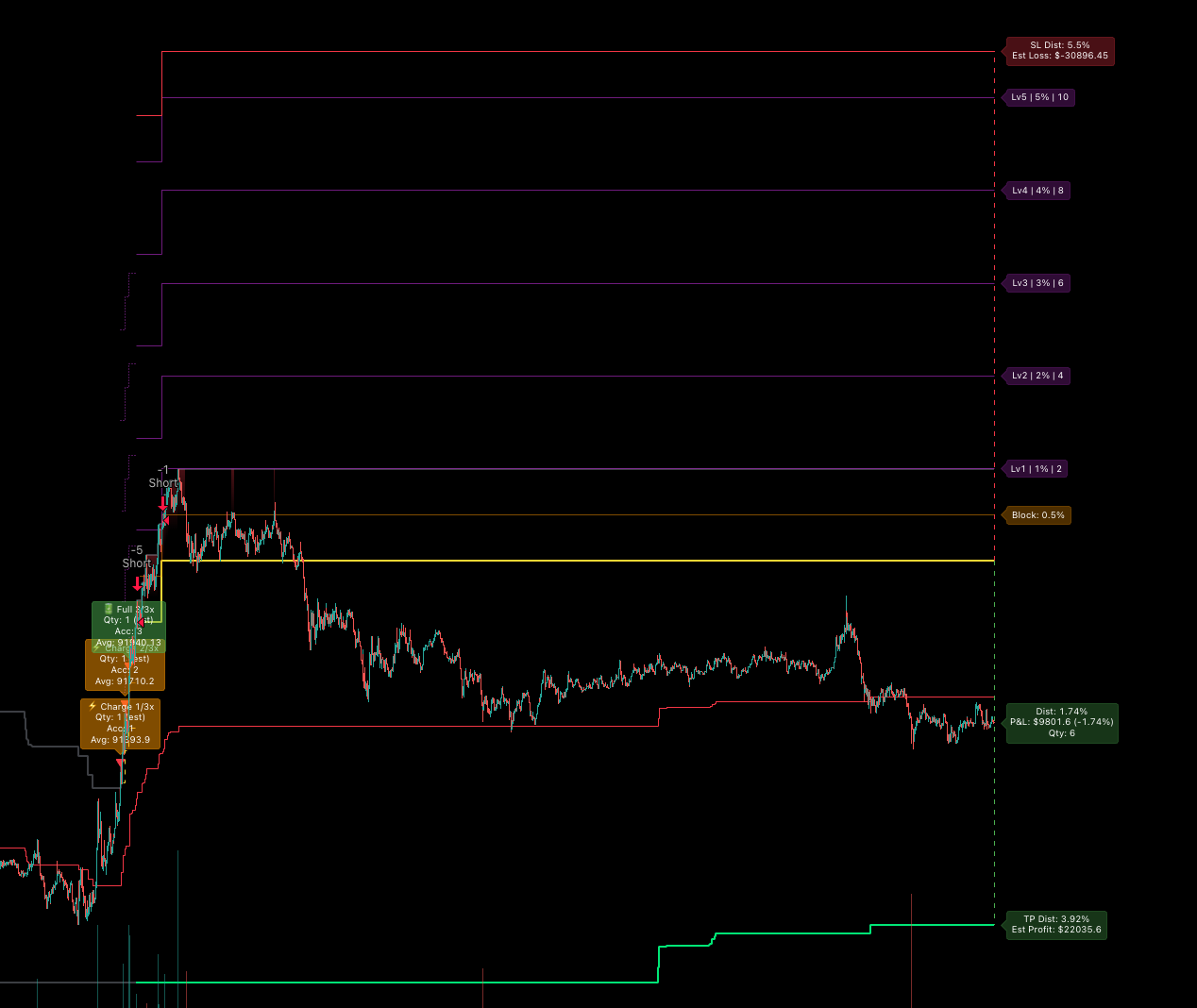
Exit System
4 TP modes for various market conditions
Band Mode
Exit at band touch or custom take-profit lines. Volatility bands provide natural take-profit points.
Split Mode
Split exit based on individual entry prices. Execute independent take-profits for each position.
Trailing Mode
ProDynamic trailing exit to maximize profits. Exit line follows as price moves favorably.
Position Mode
ProUnified exit based on average entry. Manage entire position as a single unit.
Risk Management
Multi-layer safeguards to protect your capital
Profit Protection
Prevents take-profit at loss prices to avoid below-entry exits.
Advanced Stop Loss
ProMinimizes losses with recovery failure detection and time-based stop loss.
Multi-Level Take Profit
ProSecures profits with weight-based partial exits and ladder take-profit.
Get Started Now
Try the DynamicQuant indicator with the free Lite plan